



Description
Avoid messy paper lists of passwords and the insecure practice of storing passwords in your browser. Instead, keep your login credentials for online services and banking in a secure digital location accessible only to you.
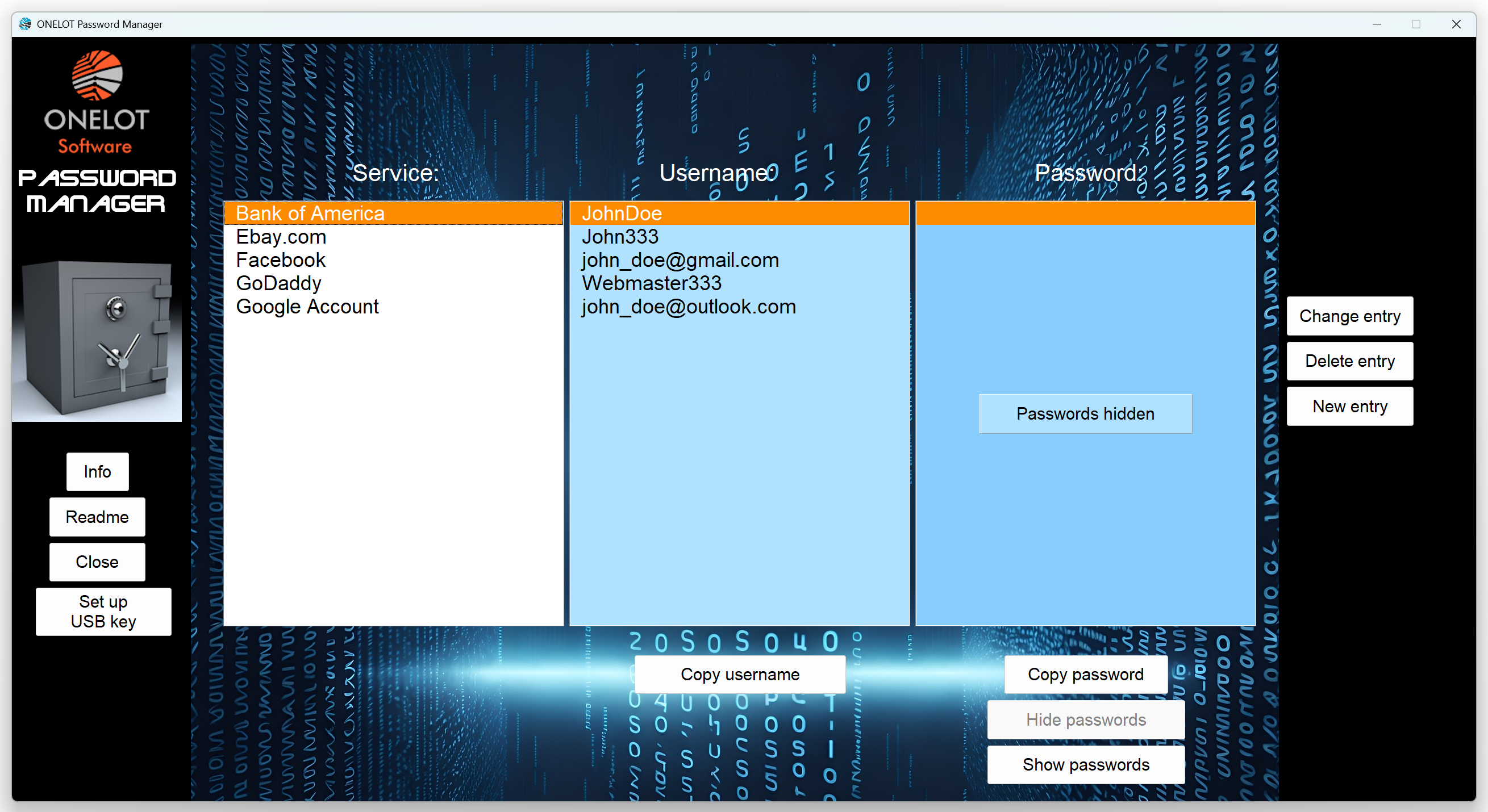
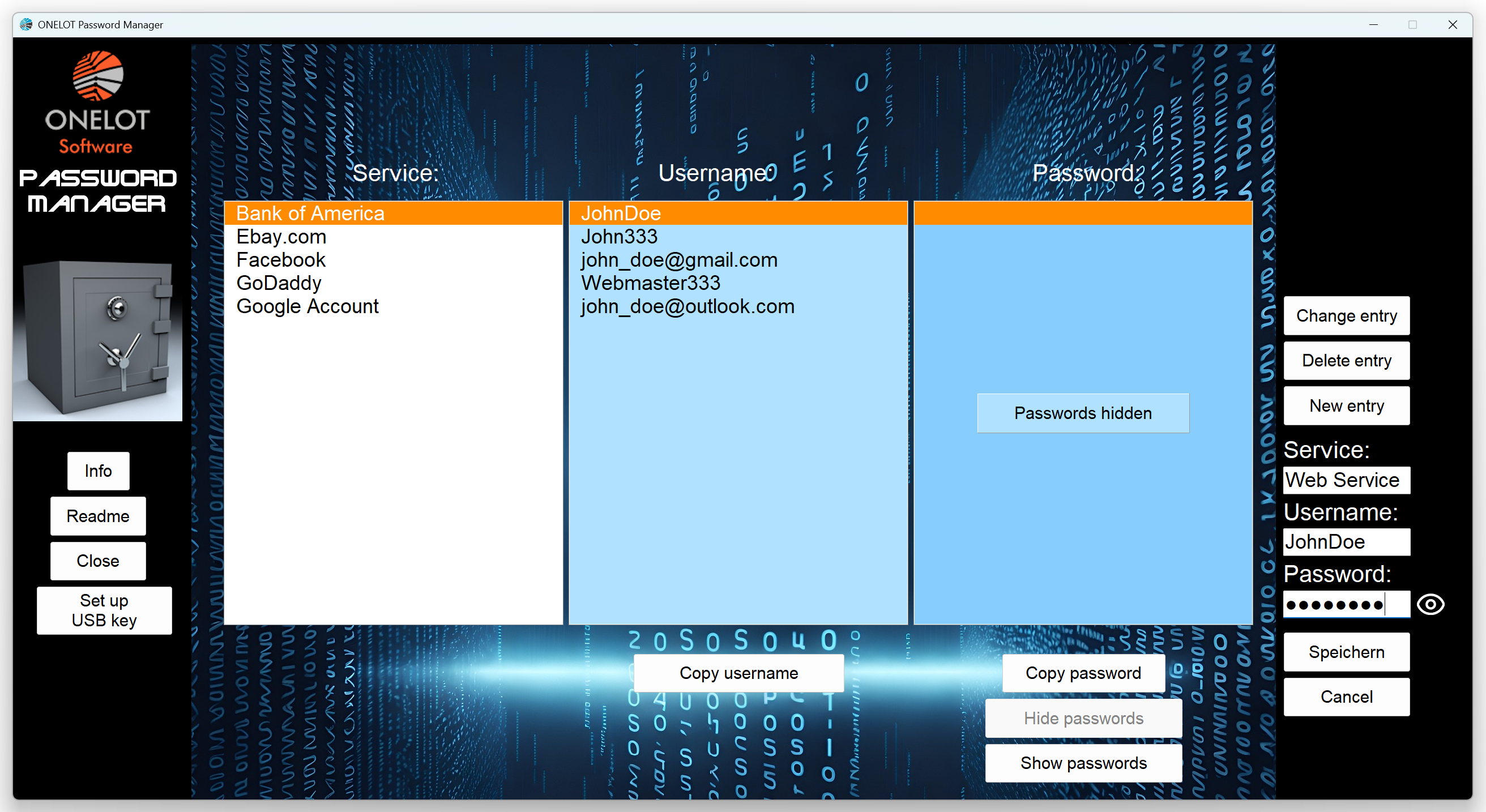
The Onelot Password Manager provides a convenient interface consisting of an alphabetically organized table of credentials and a set of control buttons. The application stores your credentials in an encrypted format on your hard drive; they are only decrypted and displayed in plain text during an active user session. Furthermore, the encryption key is kept on a USB flash drive of your choice. This USB key must be inserted before launching the program in order to access your credentials. The encryption method used is the “one-time pad”—a technique that is mathematically unbreakable and resistant even to quantum computers. The key adheres to all the defining characteristics of a one-time pad: for every save operation, the application generates a new, unique key used only once. It is truly random, derived from the electronic noise of your processor. The length of the key matches the amount of data being encrypted. Since the key remains on your USB drive, it stays completely private.
Storing the encrypted data and the encryption key on separate drives provides an additional layer of security.
You can copy passwords and usernames to your clipboard with a single click. The password column can also be hidden during copying—a setting that is enabled by default. You can easily create, modify, or delete entries.
The capacity of the table is virtually unlimited, constrained only by your computer’s available memory (RAM).
The German version can be found here.


Reviews
There are no reviews yet.