



Description
Avoid messy paper password lists and the insecure browser password storage. Store your login data for internet services and online banking in a secure digital location accessible only to you.
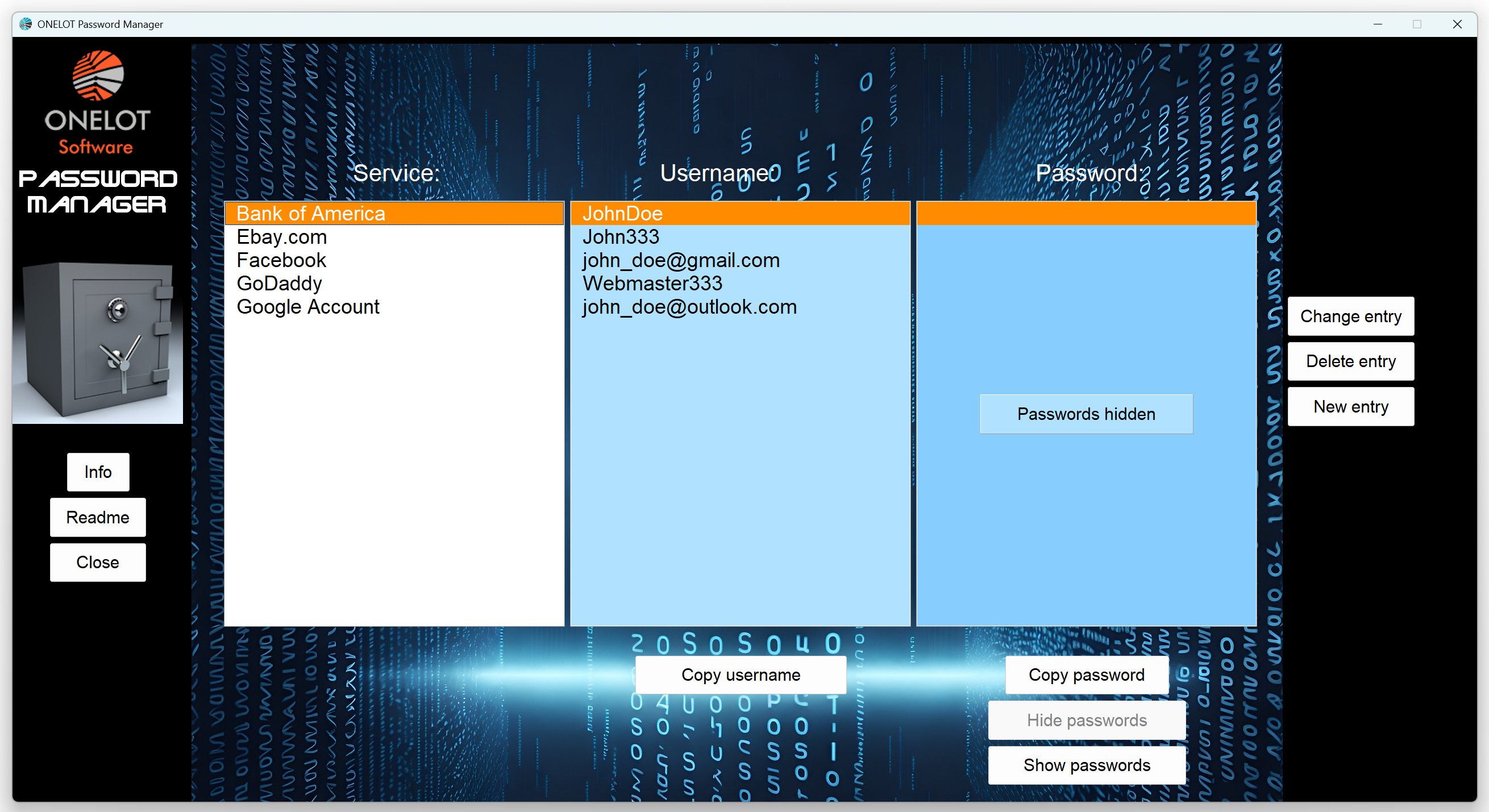
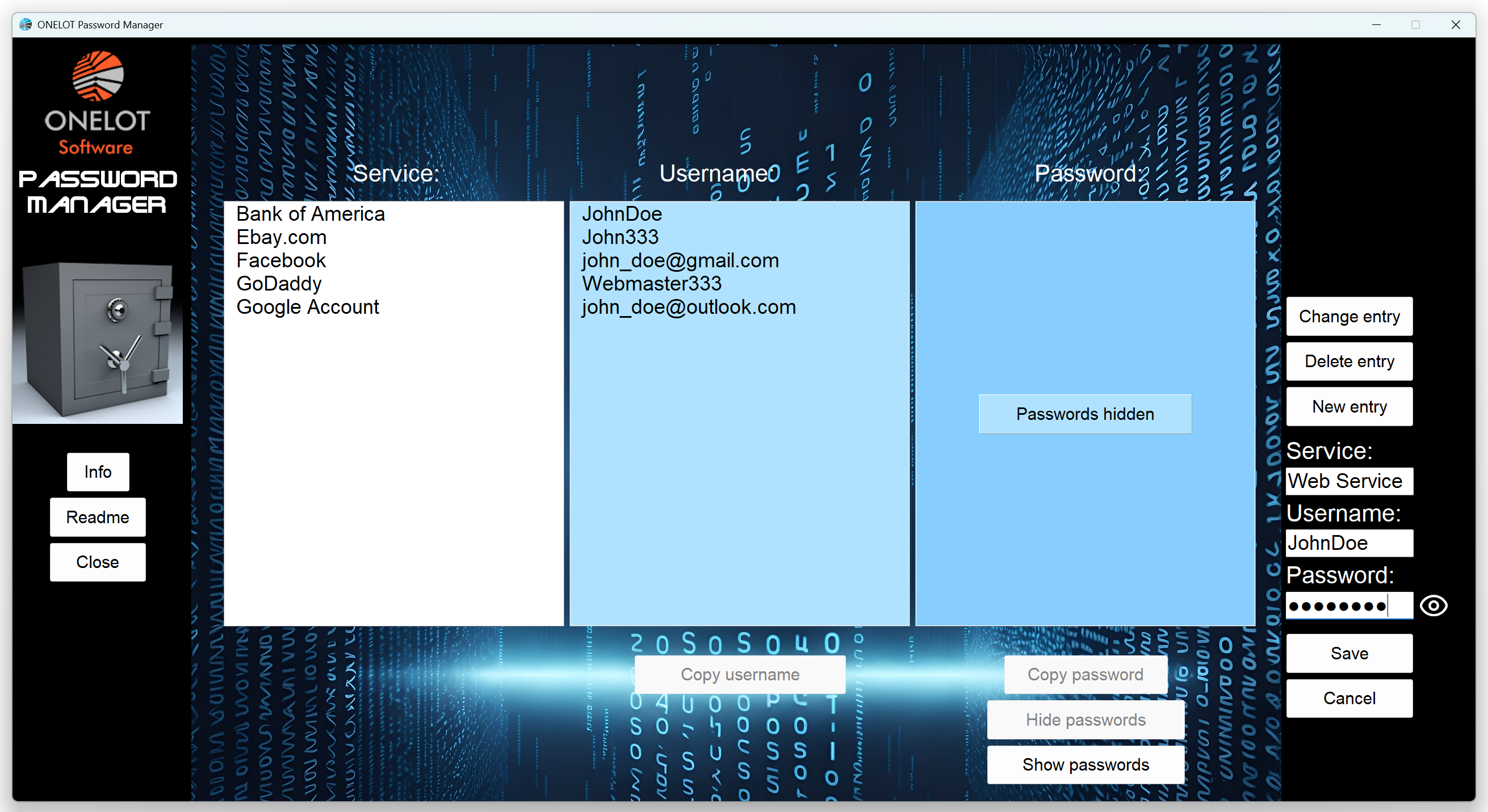
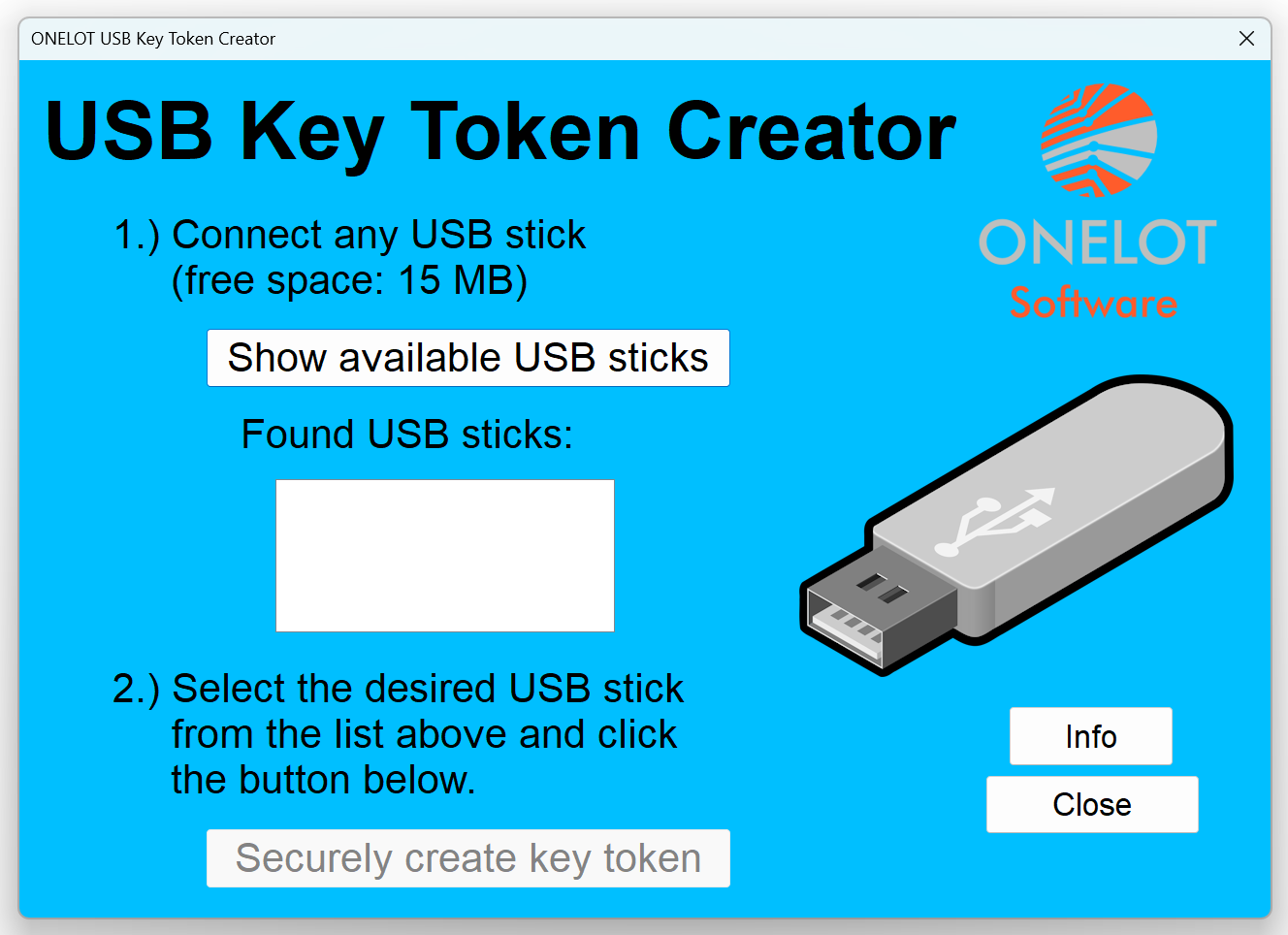
The Onelot Password Manager displays a structured password table with the columns “Service,” “Username,” and “Password.” You can especially easily create, modify, or delete related entries for all three columns. The app sorts entries alphabetically (by service). Furthermore, you can copy usernames and passwords to the clipboard with a single click. Moreover, you can completely hide the password column, as well as the respective password entry. The Password Manager app stores the data on your hard drive using OTP (One-Time Pad) encryption. This makes the encrypted data mathematically unbreakable. We generate the corresponding unique key, using electronic noise and you install it on a USB stick of your choice via the token creator app. You must plug in the USB stick to access the data. So we have a truly secure random key that is also physically separate from the encrypted entries. Undoubtedly, the Windows list allows a maximum of 1000 entries of any length.
The German version can be found here.


Reviews
There are no reviews yet.